Company number 13914828
CONTACT US
Overview This Office Skills course will unlock your full potential and will show you how to excel in a career in …
This Office Skills course will unlock your full potential and will show you how to excel in a career in Office Skills. So upskill now and reach your full potential. Everything you need to get started in Office Skills is available in this course.
Learning and progressing are the hallmarks of personal development. This Office Skills will quickly teach you the must-have skills needed to start in the relevant industry.
This Office Skills course covers everything you must know to stand against the tough competition in the Office Skills field.
The future is truly yours to seize with this Office Skills. Enrol today and complete the course to achieve a Office Skills certificate that can change your professional career forever.
Enrolling in the Office Skills course can assist you in getting into your desired career quicker than you ever imagined. So without further ado, start now.
After studying the Office Skills course, your skills and knowledge will be tested with a MCQ exam or assignment. You must get a score of 60% to pass the test and get your certificate.
Upon successfully completing the Office Skills course, you will get your CPD accredited digital certificate immediately. And you can also claim the hardcopy certificate completely free of charge. All you have to do is pay a shipping charge of just £3.99.
This Office Skills is suitable for anyone aspiring to start a career in Office Skills; even if you are new to this and have no prior knowledge on Office Skills, this course is going to be very easy for you to understand.
And if you are already working in the Office Skills field, this course will be a great source of knowledge for you to improve your existing skills and take them to the next level.
Taking this Office Skills course is a win-win for you in all aspects.
This course has been developed with maximum flexibility and accessibility, making it ideal for people who don’t have the time to devote to traditional education.
This Office Skills course has no prerequisite.
You don’t need any educational qualification or experience to enrol in the Office Skills course.
Do note: you must be at least 16 years old to enrol.
Any internet-connected device, such as a computer, tablet, or smartphone, can access this online Office Skills course.
Moreover, this course allows you to learn at your own pace while developing transferable and marketable skills.
| Office Skills and Administration | |||
| Module 01: Personal Assistant | |||
| Personal Assistant | 01:23:00 | ||
| Module 02: Admin Support | |||
| Admin Support | 01:54:00 | ||
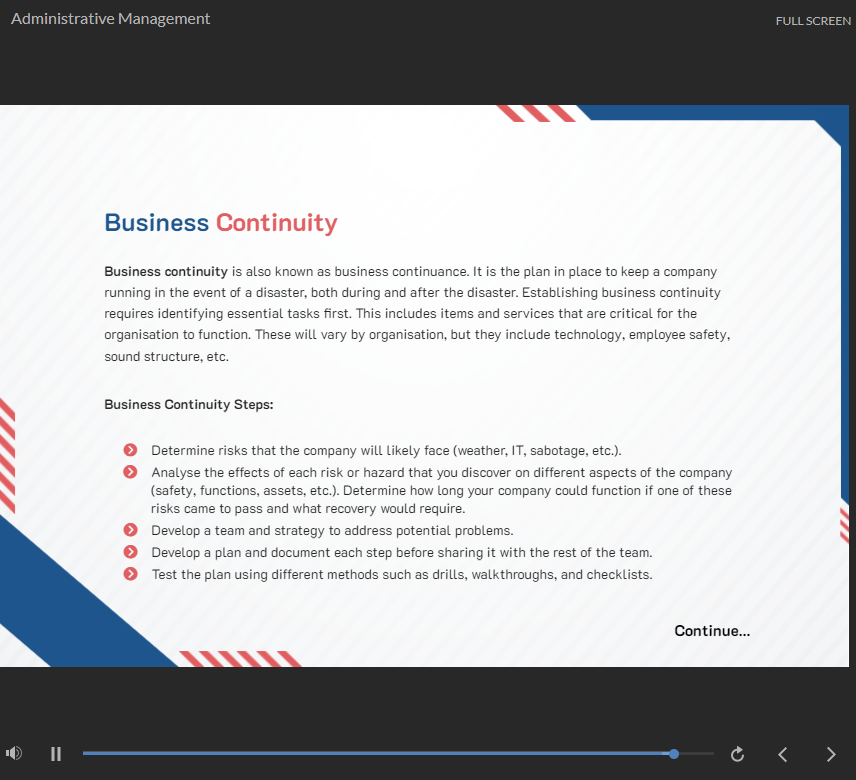
| Module 03: Administrative Management | |||
| Administrative Management | 00:30:00 | ||
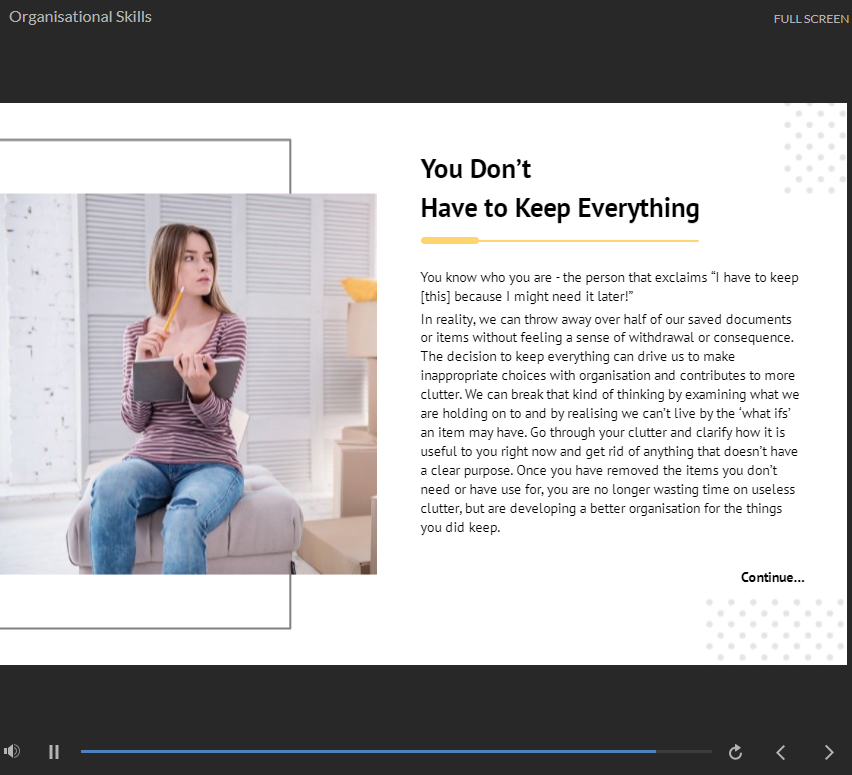
| Module 04: Organisational Skills | |||
| Organisational Skills | 01:16:00 | ||
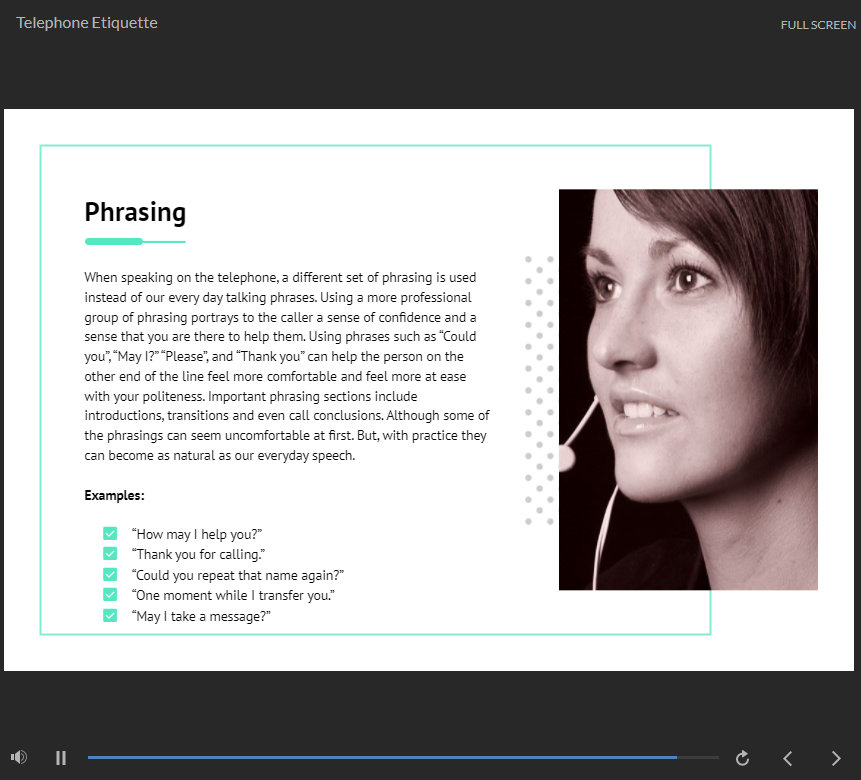
| Module 05: Telephone Etiquette | |||
| Telephone Etiquette | 01:07:00 | ||
| Module 06: Business Writing | |||
| Business Writing | 01:24:00 | ||
| Module 07: Time Management | |||
| Time Management | 01:09:00 | ||
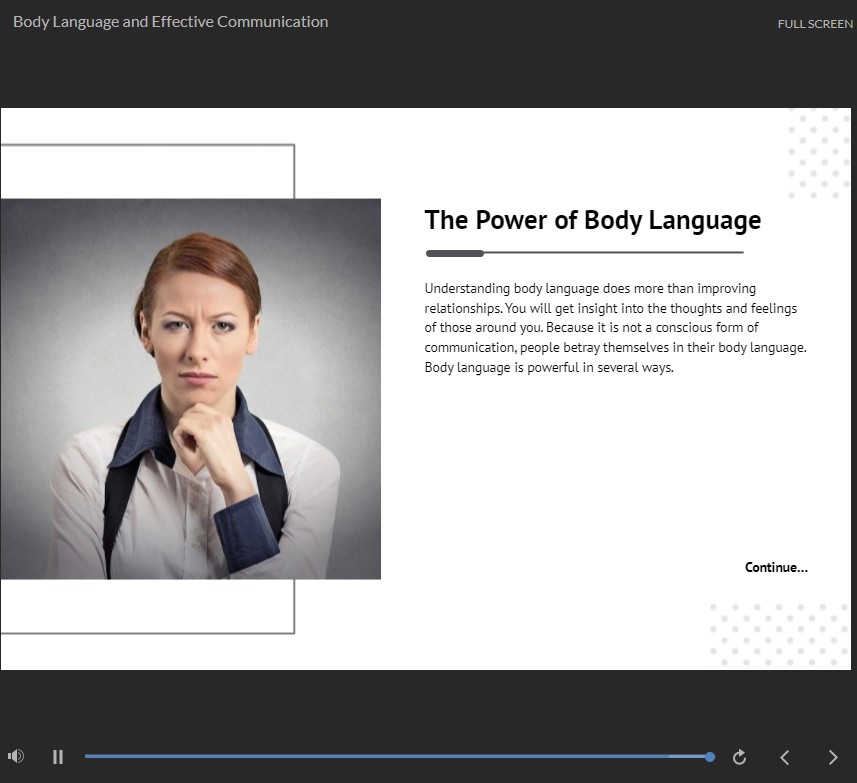
| Module 08: Body Language and Effective Communication | |||
| Body Language and Effective Communication | 01:23:00 | ||
| Module 09: Meeting Management | |||
| Meeting Management | 01:24:00 | ||
| Module 10: Excel Basics | |||
| Navigate the Excel User Interface | 00:28:00 | ||
| Use Excel Commands | 00:10:00 | ||
| Create and Save a Basic Workbook | 00:19:00 | ||
| Enter Cell Data | 00:12:00 | ||
| Use Excel Help | 00:05:00 | ||
| Create Worksheet Formulas | 00:15:00 | ||
| Insert Functions | 00:17:00 | ||
| Reuse Formulas and Functions | 00:17:00 | ||
| Insert, Delete, and Adjust Cells, Columns, and Rows | 00:10:00 | ||
| Search for and Replace Data | 00:09:00 | ||
| Use Proofing and Research Tools | 00:07:00 | ||
| Apply Text Formats | 00:16:00 | ||
| Apply Number Format | 00:08:00 | ||
| Align Cell Contents | 00:09:00 | ||
| Apply Styles and Themes | 00:12:00 | ||
| Apply Basic Conditional Formatting | 00:11:00 | ||
| Create and Use Templates | 00:08:00 | ||
| Preview and Print a Workbook | 00:10:00 | ||
| Set Up the Page Layout | 00:09:00 | ||
| Configure Headers and Footers | 00:07:00 | ||
| Manage Worksheets | 00:05:00 | ||
| Manage Workbook and Worksheet Views | 00:07:00 | ||
| Manage Workbook Properties | 00:06:00 | ||
| Excel Templates | 00:00:00 | ||
| Module 11: PowerPoint Basic | |||
| Customize the User Interface | 00:19:00 | ||
| Set PowerPoint 2016 Options | 00:07:00 | ||
| Modify Slide Masters and Slide Layouts | 00:16:00 | ||
| Add Headers and Footers | 00:05:00 | ||
| Modify the Notes Master and the Handout Master | 00:04:00 | ||
| Create SmartArt | 00:09:00 | ||
| Modify SmartArt | 00:05:00 | ||
| Write Math Equations | 00:07:00 | ||
| Add Audio to a Presentation | 00:09:00 | ||
| Add Video to a Presentation | 00:10:00 | ||
| Customize Animations and Transitions | 00:14:00 | ||
| Review a Presentation | 00:15:00 | ||
| Store and Share Presentations on the Web | 00:06:00 | ||
| Annotate a Presentation | 00:07:00 | ||
| Set Up a Slide Show | 00:08:00 | ||
| Create a Custom Slide Show | 00:03:00 | ||
| Add Hyperlinks and Action Buttons | 00:07:00 | ||
| Record a Presentation | 00:05:00 | ||
| Secure a Presentation | 00:11:00 | ||
| Broadcast a Slide Show | 00:07:00 | ||
| Create a Video or a CD | 00:08:00 | ||
| PowerPoint Templates | 00:00:00 | ||